
Log in to CostCare AI
To log in to your CostCare AI account:1
Open the CostCare AI start page
Open the CostCare AI start page and click Log In.
2
Enter your email address
Enter the email address connected to your CostCare AI account.
3
Click Continue
Click Continue to proceed to the password step.
4
Enter your password
Enter your password and click Continue to access your CostCare AI dashboard.
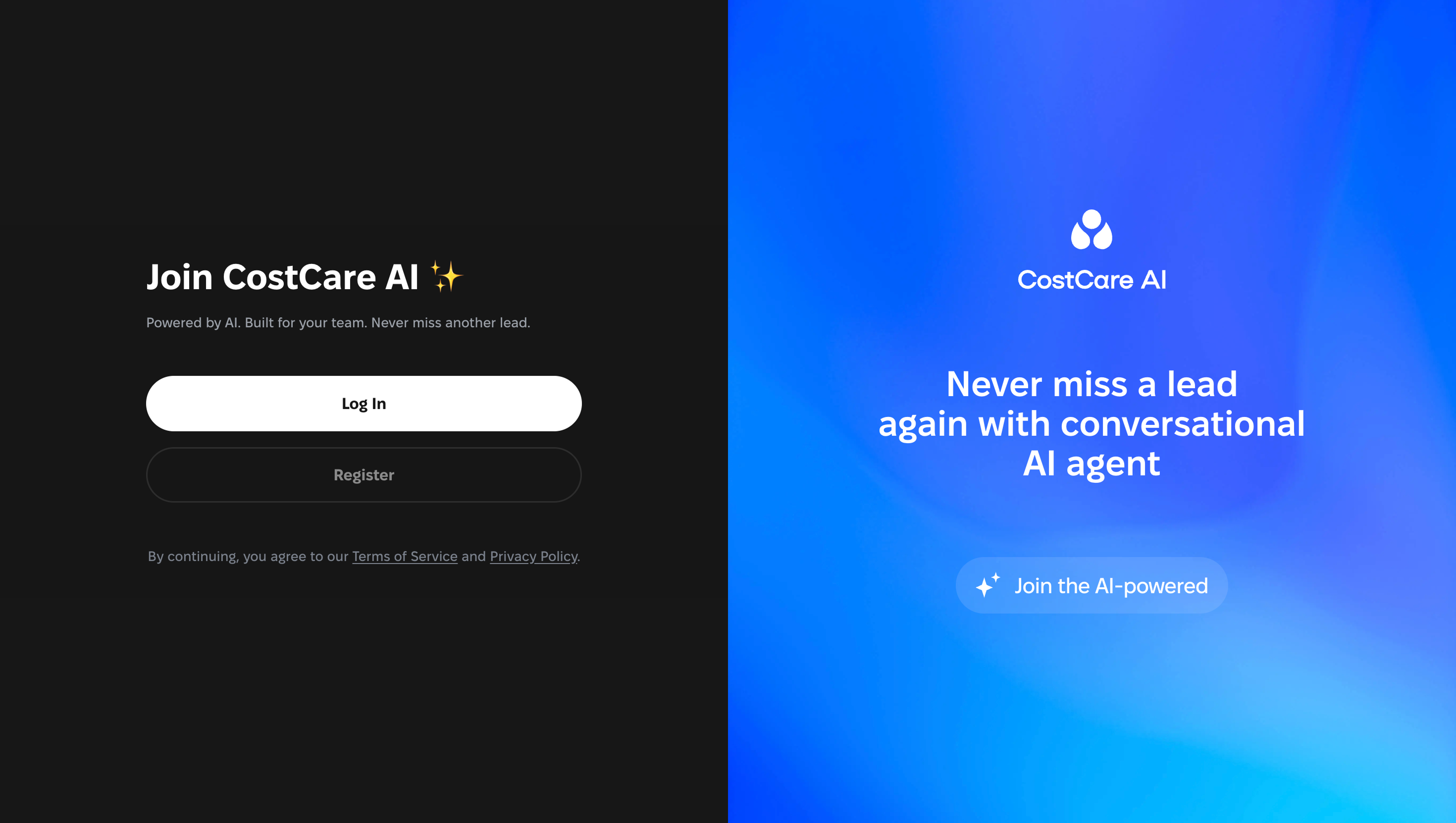
Enter your email address
After clicking Log In, you’ll see the login form. Enter the email address connected to your CostCare AI workspace and click Continue.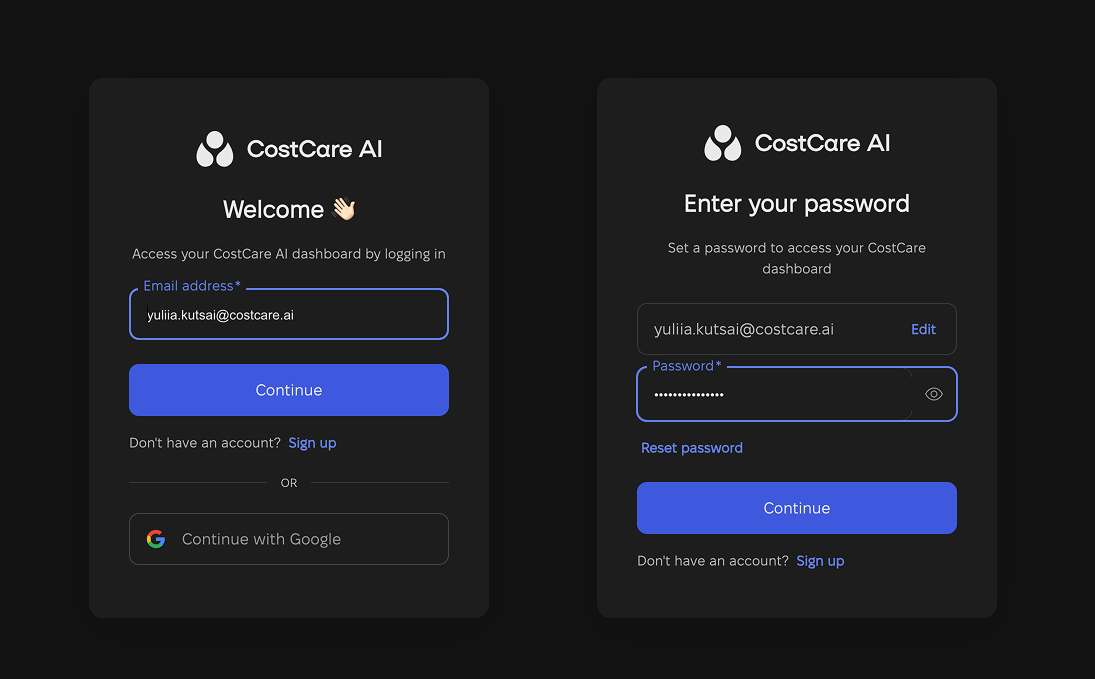
Make sure you use the same email address that was used to create or access your CostCare AI workspace.
Log In vs Register
Use Log In if you already have a CostCare AI account or your team has already created a workspace for you. Use Register only if you need to create a new CostCare AI account.When to use Log In
Use Log In when:- you already have a CostCare AI account;
- your team has invited you to an existing workspace;
- you have used CostCare AI before;
- you want to access existing AI agents, channels, or conversations;
- you want to continue working in your current workspace.
When to use Register
Use Register only when:- you are creating a new CostCare AI account;
- your company does not have a workspace yet;
- you are setting up CostCare AI for the first time.
If you cannot log in
If you cannot access your account:- check that your email address is correct;
- make sure you are using Log In, not Register;
- use Reset password if you forgot your password;
- ask your workspace admin to confirm your access;
- contact the CostCare AI team if the issue continues.
Contact Support
Contact the CostCare AI team if you need help accessing the right account.