Knowledge Base and new AI agent capabilities
In this release, we’re making CostCare AI more useful for teams that want to launch AI agents faster, configure them for their business context, and provide customers with more accurate answers. Key updates include the Knowledge Base for AI agents, improvements to the AI agent page, new templates for creating AI agents, and an improved login experience.Knowledge Base for AI agents
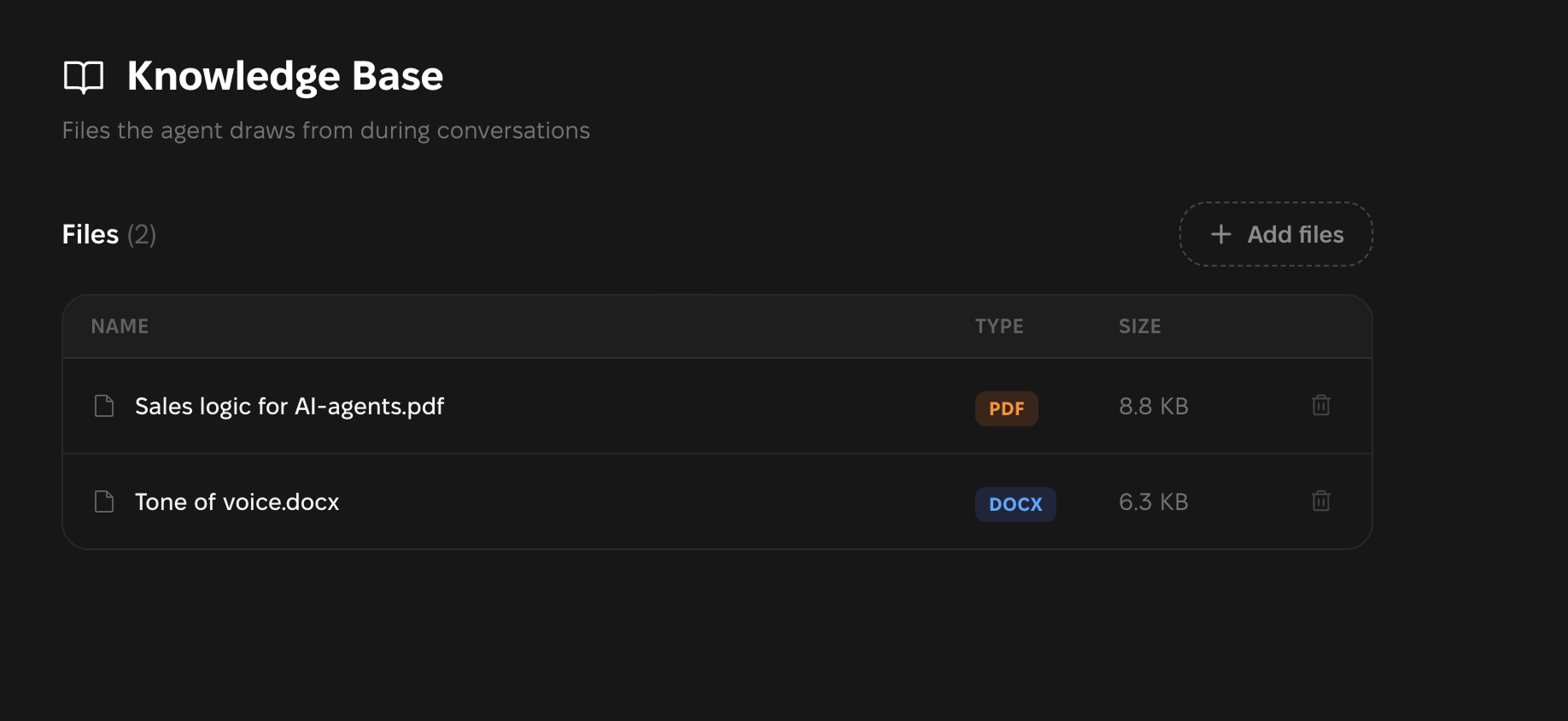
CostCare AI now has a new section — Knowledge Base. This is where you can upload files with information your AI agent can use during customer interactions. The AI agent can search through documents while responding and adapt its answers to your company materials and business context. The Knowledge Base helps your AI agent:- provide more accurate and complete answers;
- reduce the number of inaccurate or generic responses;
- better understand your products, services, and company processes;
- rely less on manual configuration;
- use up-to-date materials during conversations;
- centralize knowledge for the AI agent and identify which materials may still be missing.
Knowledge Base is available to all CostCare AI users.

Where to find Knowledge Base
To add files:1
Open Knowledge Base
Go to the left sidebar and open Knowledge Base.
2
Click Add files
Click Drag files here to upload documents.
3
Upload your documents
Select the files you want to add to the Knowledge Base.
Supported file formats
Knowledge Base supports the following file formats:Documents
PDF, DOCX, TXT, MD
Tables and presentations
XLSX, CSV, PPTX
What materials you can add
You can upload any materials that help your AI agent provide better answers to customers, including:- FAQ;
- price lists and pricing rules;
- product and/or service descriptions;
- tone of voice;
- sales logic;
- sales funnel materials;
- scripts;
- instructions;
- internal materials used for sales team training and onboarding.
How to update documents
Currently, documents cannot be edited directly in CostCare AI. You also cannot rename a file after uploading it to the platform. Before uploading a file, we recommend checking:- whether the file has a clear name;
- whether the information is up to date;
- whether important data is provided as text;
- whether there are outdated versions or duplicates.
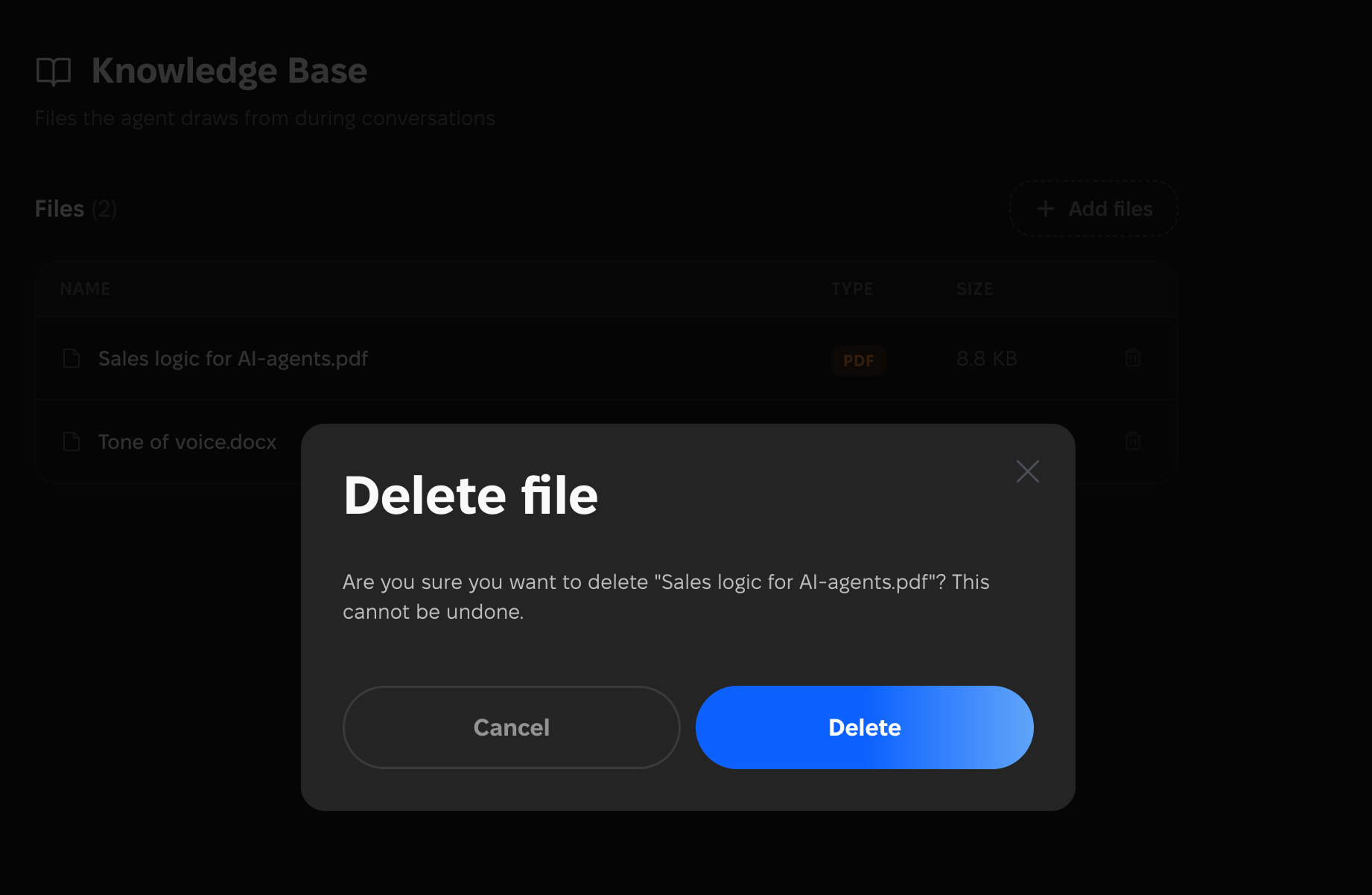
If a file is no longer relevant, delete it from the Knowledge Base and upload a new version.
Improved login page
We also updated the Log in page.